Picture Messaging
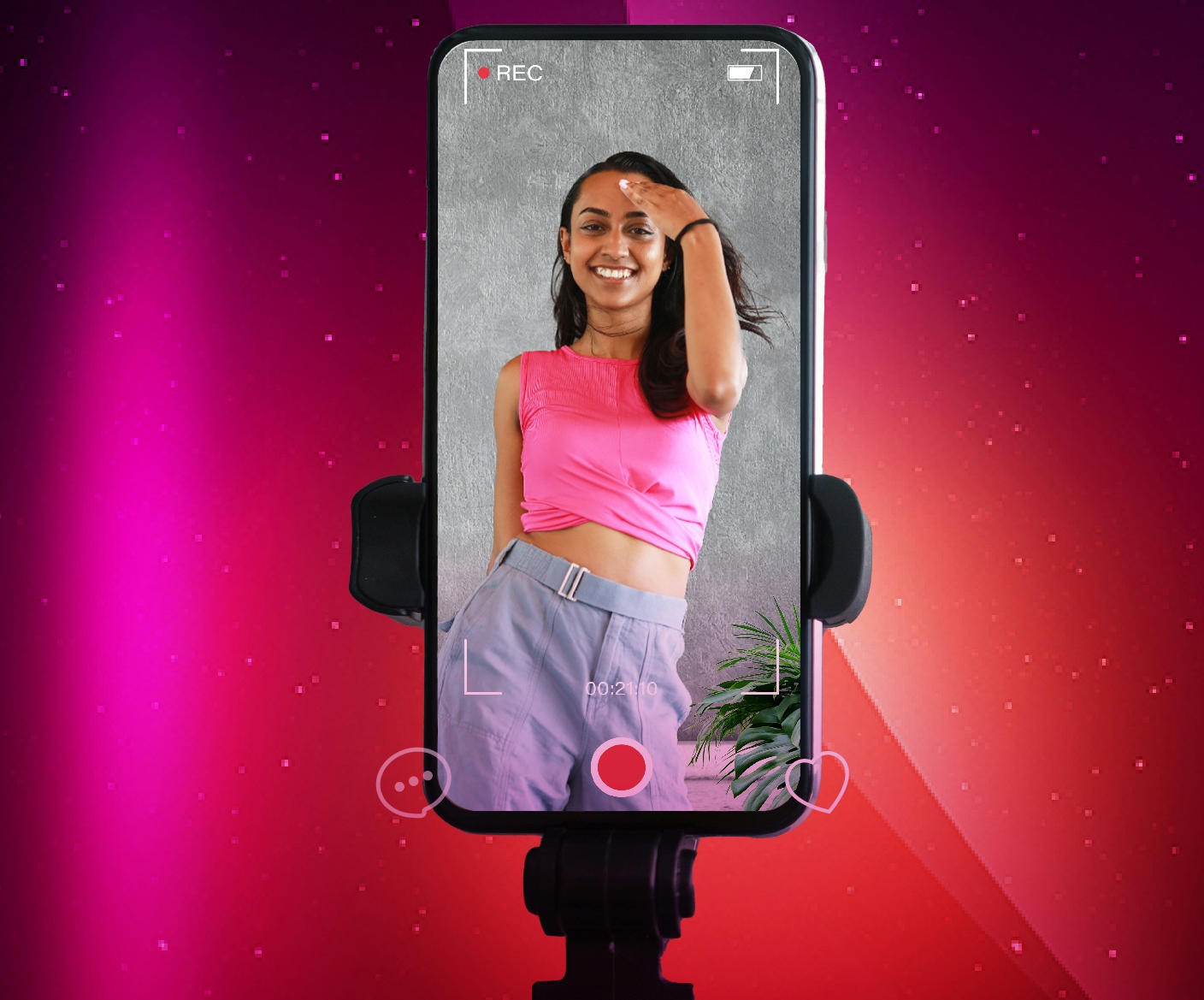
No need to carry around more than one device to capture those special moments, you can do it all from just your Digicel mobile phone and its QUICK and CHEAP!
Picture Messaging is available to all Digicel customers, you now can send Pictures instantly from your mobile phone to your relatives here in Fiji. A picture is worth a thousand words………..so why don’t you get out your phone and start using it from TODAY!
You can send Pictures; Video; or Audio from your mobile phone to another Digicel mobile.
You can call our 24 hour Customer Care Department (FREE CALL) on 123 and ask them to send you the configuration settings or visit any of our retail shops around the country.
What do I need to start using this service?
1. First you need to ensure that your phone has been set up to send Picture Messages if it hasn’t then call our FREE CALL Customer Care Department on 123 from your Digicel phone
2. Let them know what model phone you have
3. They will send you the Configuration Settings for your mobile phone
4. Save it on your phone and you’re ready to go!
How do I use this service?
1. Turn on the camera on your mobile phone (you might want to check your User Guide to see how it’s done)
2. Take the photo
3. Click on send button
4. Enter the mobile number you want to send the Picture Message to (you can also add some text to it, to say Bula to your friends or relatives)
5. Select SEND
How much does it cost to send a Picture Message?
At launch, we are giving all our Digicel customers this service for FREE! Only for a month!
Can I send it to other mobile networks or email addresses?
At the present moment this service is only from Digicel mobile to another Digicel mobile. We will shortly enable users to send this to other mobile networks locally and overseas and also email addresses.
What happens if I send to to a Digicel mobile who doesn't support Picture messaging?
If your friend or relative has a phone that does not support Picture messaging, then they will receive a Text message with a website address and code that they can log onto to see the picture/audio/video message.
Settings for Picture Messages:
The following settings are for picture messaging for the various handsets (may vary depending on handset feature). Please call our 24 hour Customer Care Department on 123 if you need help in setting up Picture Messaging.
Wap Settings
Observe and choose the following menu options only:
Main Menu -> Services -> Settings ->(connection settings) -> Edit active service Settings ->
Settings name – Digicel Wap
Session Mode – Permanent
Connection Security – Off
Data Bearer – GPRS
GPRS access point – wap.digicelpacific.com
IP address – 10.150.122.12
Authentication Type – Normal
Proxy Port – 8080
MMS Settings
Homepage – NA
Session Mode – Permanent
Data Bearer – GPRS
GPRS access point – wap.digicelpacific.com
IP address – 10.150.122.12
Authentication Type – Normal
Port - 8080